
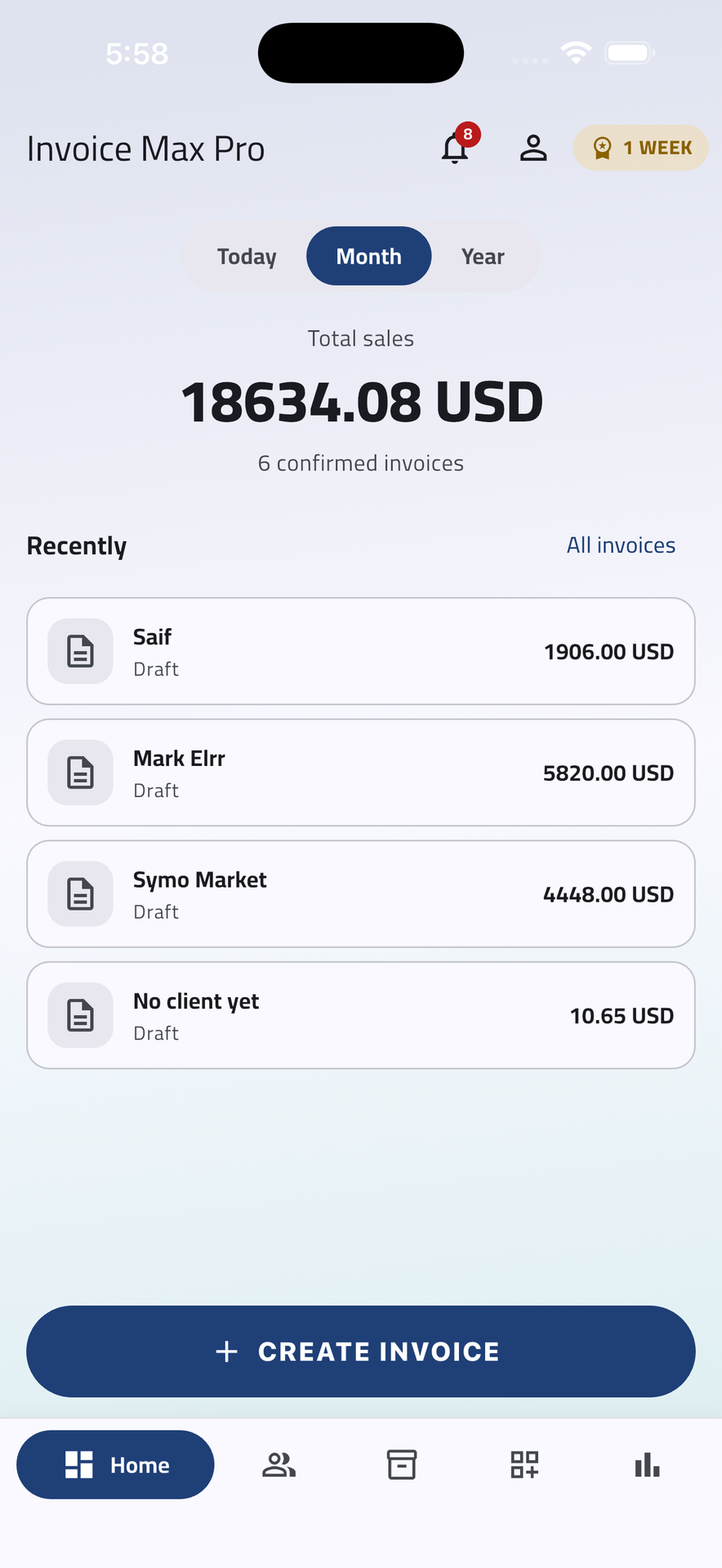
Offline-first carts
Type, edit, scan, discount — every keystroke lands in local storage first. The app doesn't blink when the signal drops, and there's no "saving…" spinner because there's nothing to wait on.
Build carts on the road. Sync when you're back. Print on the spot. Invoice Max Pro is the offline-first companion for reps, supervisors, and admins who can't afford to wait for the network.
Six things every team running orders in the wild ends up needing — and the reason most apps don't quite get them right.
Type, edit, scan, discount — every keystroke lands in local storage first. The app doesn't blink when the signal drops, and there's no "saving…" spinner because there's nothing to wait on.
Switch between locations without re-authenticating. Per-store tax, payment methods, and print templates travel with the picker — the cart picks them up automatically.
Admin, team lead, rep — three role groups with sensible defaults. Same access surface, different scope. No more "can you give me edit on this one client" tickets.
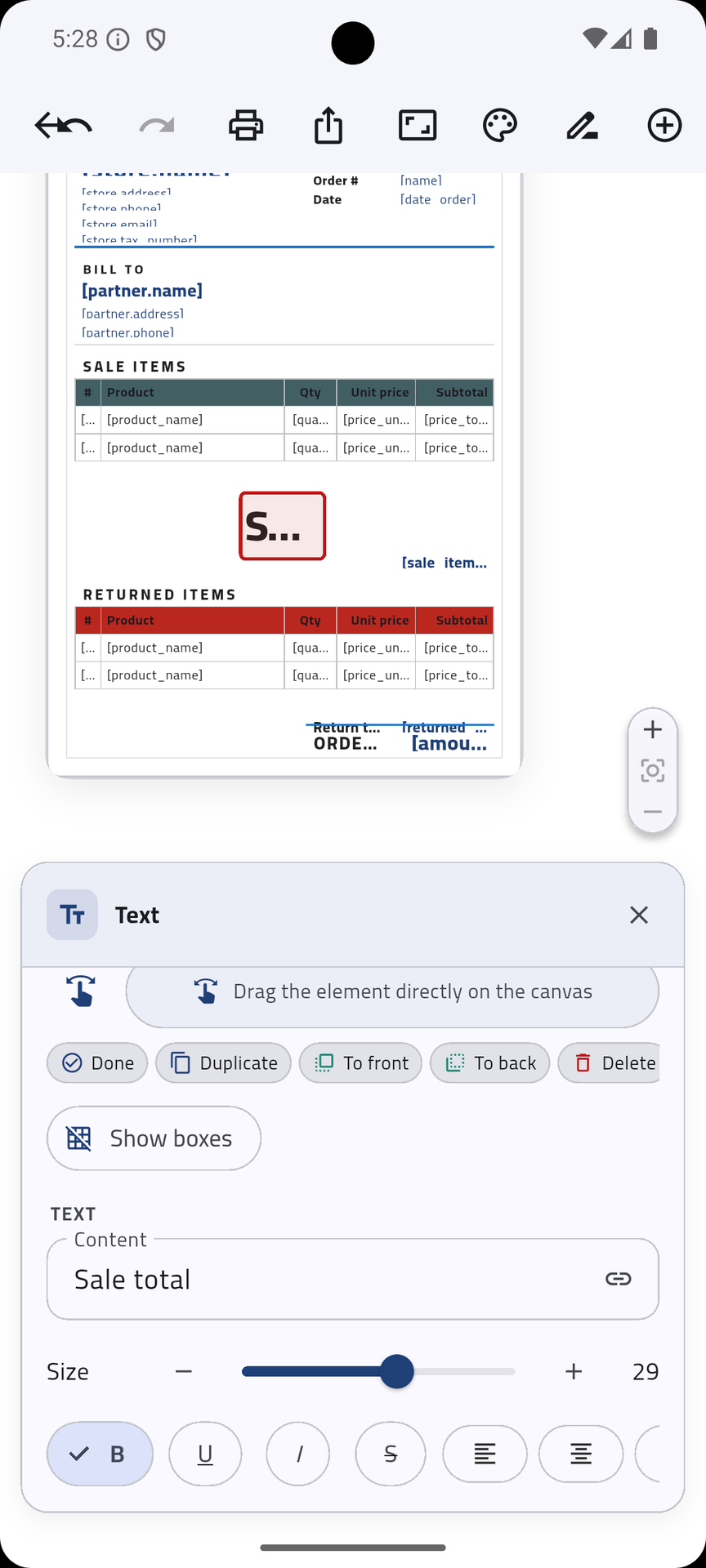
Drag fields, pick a paper size, save the template. Reuse it across stores. The same template renders the on-screen preview, the PDF export, and the 80mm receipt.
Mutations are durable from the moment they're written. If a request fails — flaky 4G, server hiccup, expired token — it sits in the queue and replays on the next foreground.
Daily, weekly, monthly. By route, by rep, by client. Tappable charts that drill straight to the rows behind them — no second screen, no BI seat license.
Give each client their own prices. Assign a price list once and those rates apply automatically the moment you start their invoice — no per-line overrides on the road.
Real screens from Invoice Max Pro — invoicing, clients, products, payments, and reports, right in your pocket.
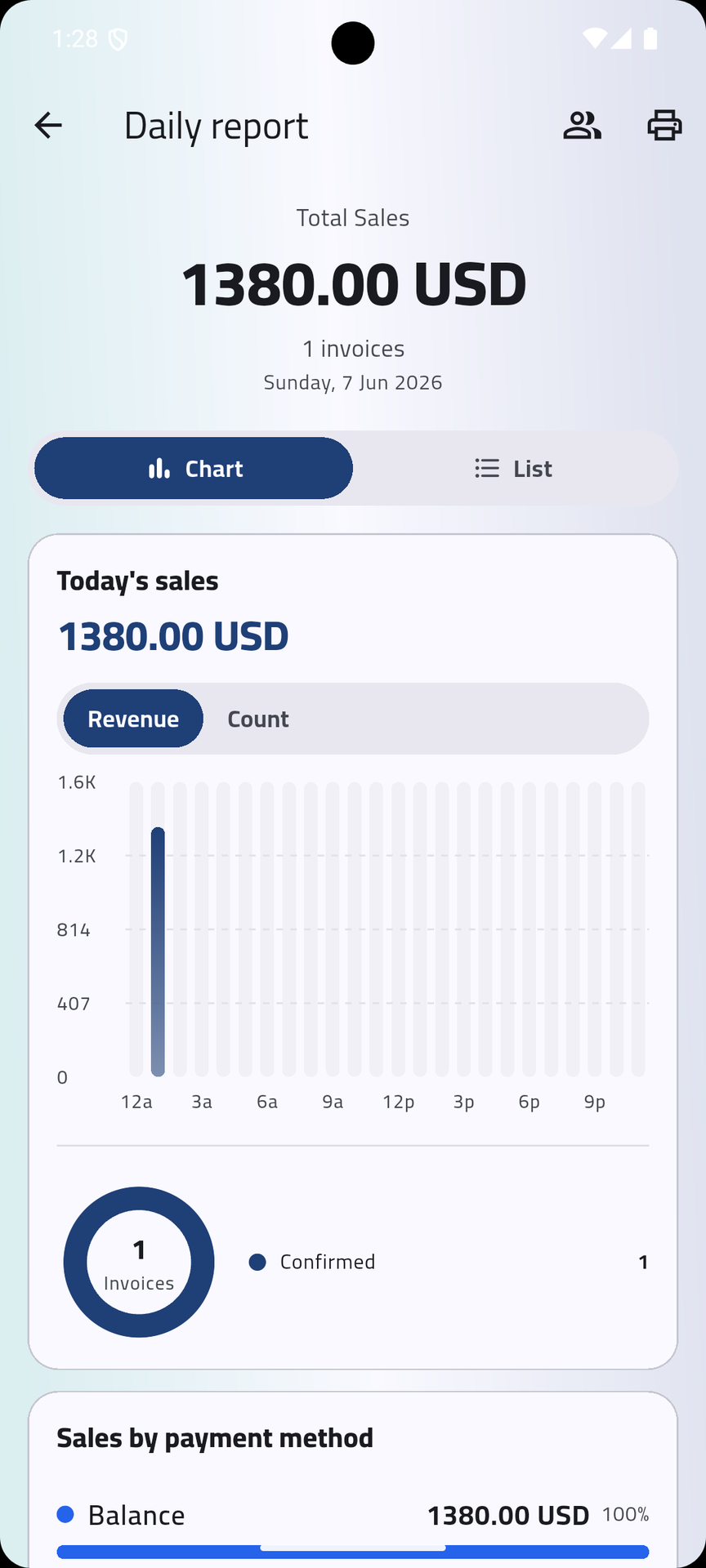
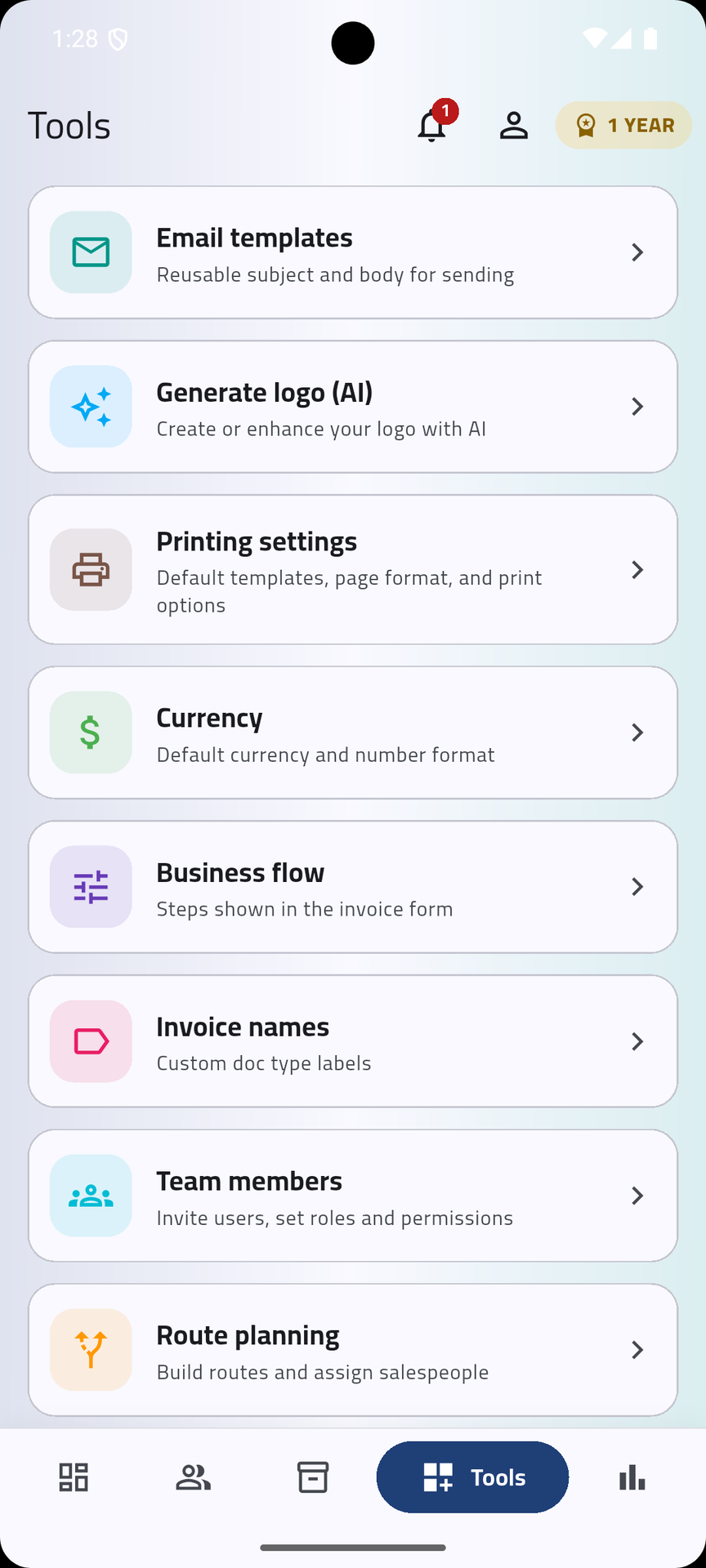
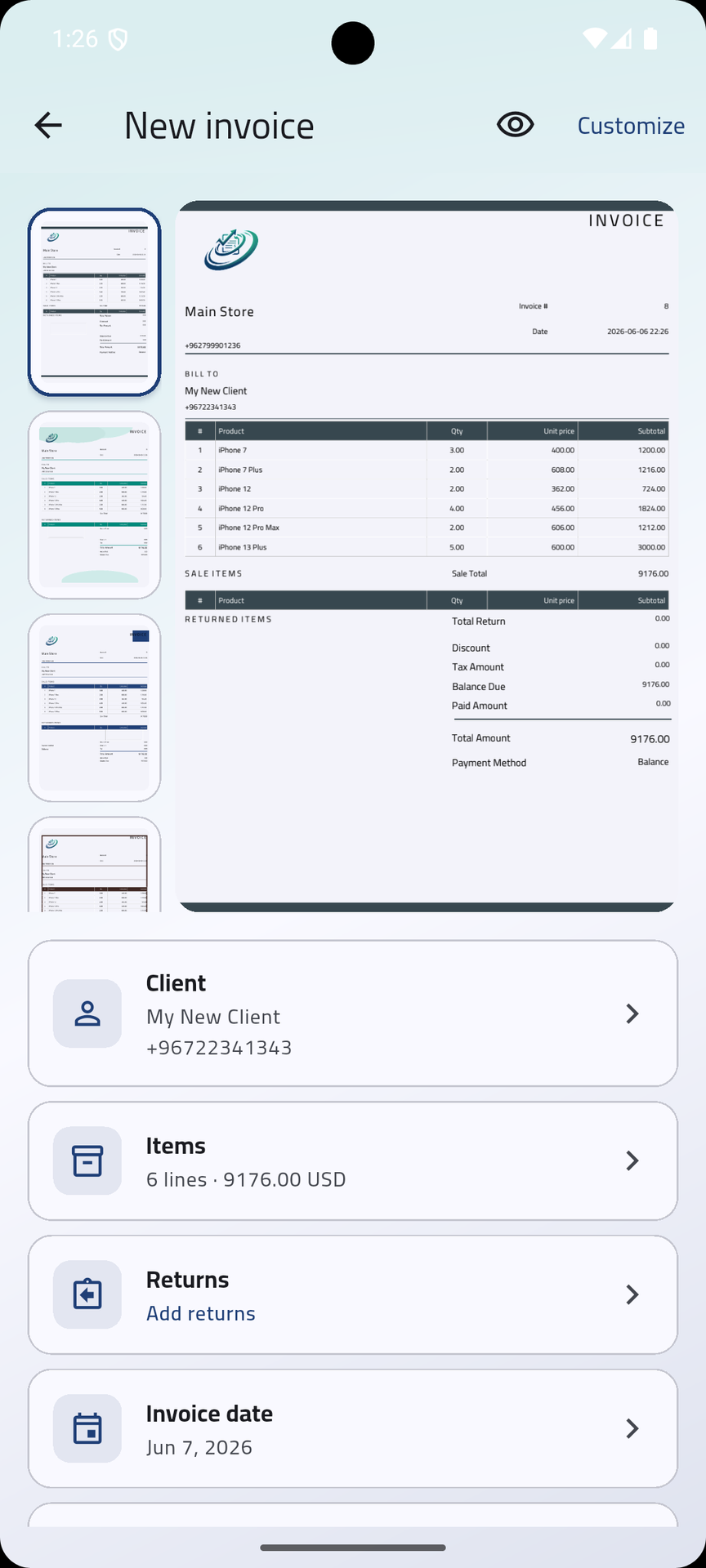
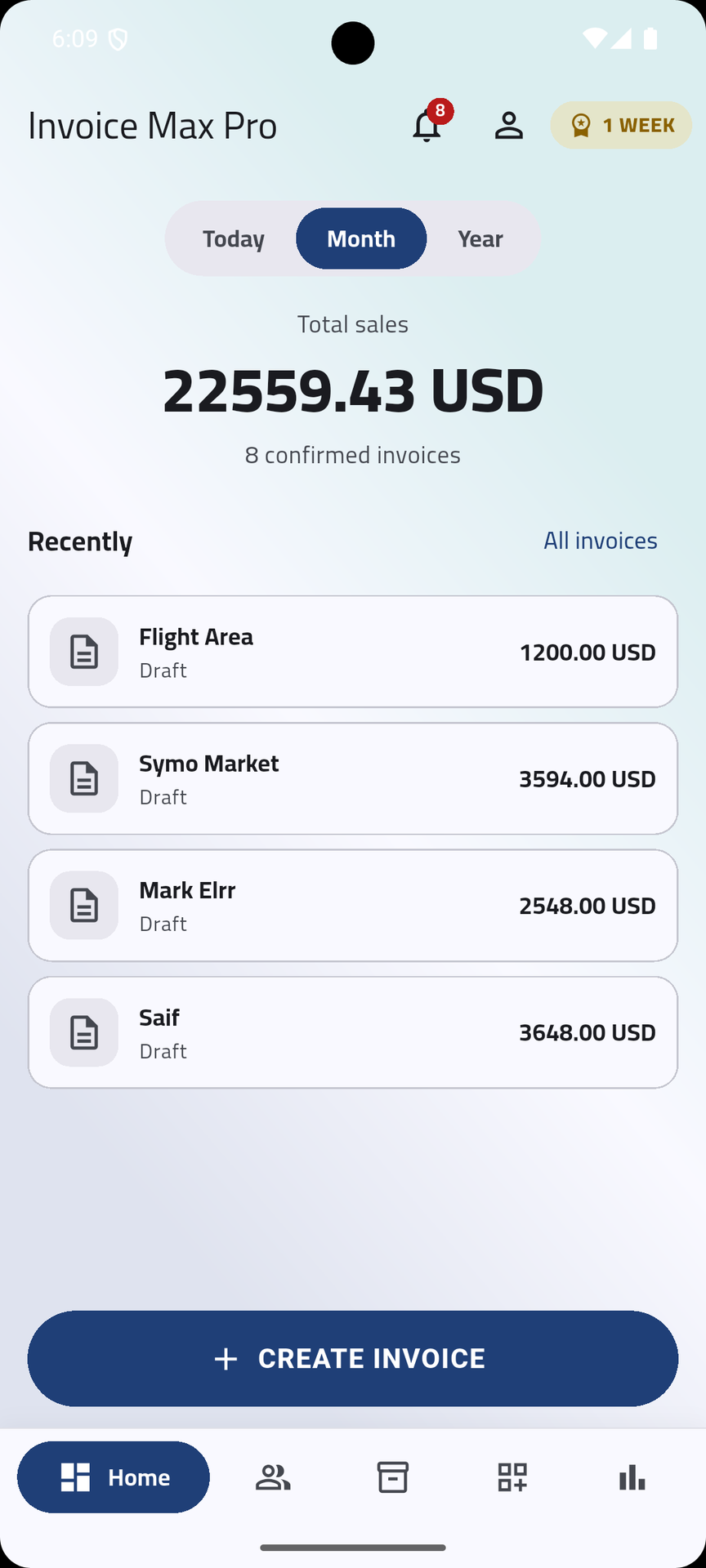
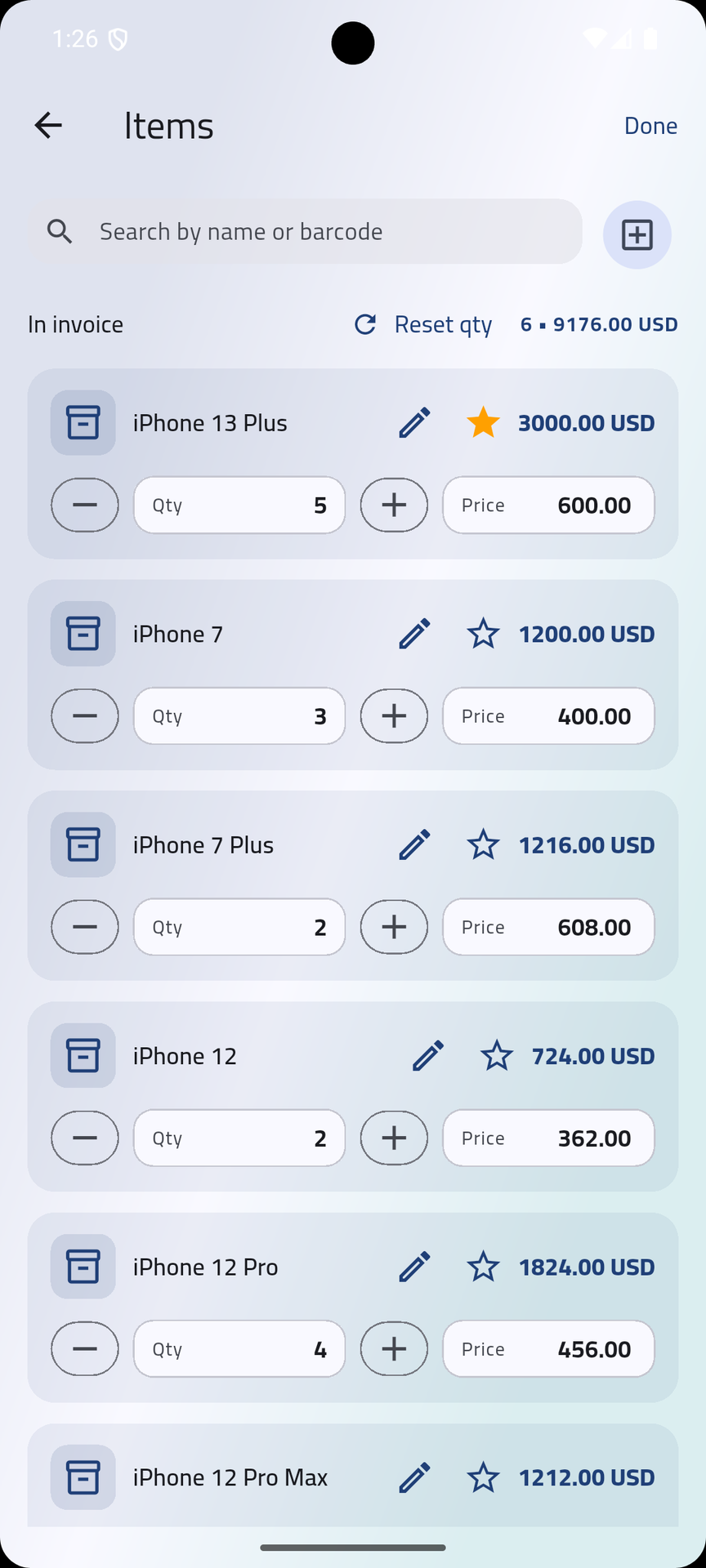
Print to anything. Customize every template. Run multiple routes, stores, and companies from one login. The features below ship with the app — no add-ons, no plug-in store, no per-feature pay-walls.
Bluetooth, USB OTG, and network printers — all supported on iOS, iPadOS, and Android. ESC/POS thermal receipts, A4 laser invoices, label printers. Pick a driver, hit Finish, paper comes out.
A drag-and-drop canvas for invoices, receipts, and labels. Drop any field — client, lines, totals, route, store — pick the paper size, save per-store. Start from a default or build your own.
Assign reps to a delivery route. Products, clients, stores, reports — every list re-scopes to that route automatically. Swap routes in a tap; the dashboard follows along.
Run two or three companies in parallel under the same account. Switching re-scopes every list and chart instantly — no logout, no re-auth, no shared cache to drift.
Camera-based barcode reader for fast cart building, with a manual SKU fallback for those moments when the label's curled, faded, or just not where it should be.
FCM-backed alerts for team coordination, renewal reminders, route changes, and ad-hoc admin broadcasts. Quiet by default, loud when something actually needs the team's attention.
Daily, weekly, monthly top-line; drill into by-client, by-rep, by-payment-method, by-route. Profit margins per line, payments history, and CSV export — no BI seat license required.
Run the app in Arabic, English, French, Spanish — whatever your team speaks. Set a currency per company, with FX-aware totals so cross-currency invoices add up the way accounting expects.
Email and password for everyone, plus one-tap login with Google and Apple — and verified phone-number sign-in for reps who don't carry a work email. Same account, three doors.
One flat rate for the admin who runs the show, a small add-on per teammate on the road. Every plan ships with the full app — mobile, backend, routes, stores, reports, print templates, push notifications, offline sync. Bigger plans just lift the seat ceiling.
Full features, free for 1 month
Every invoice, client, and product is backed up to the cloud — automatically. Switch phones or recover a lost device without losing a thing.
Your work syncs to secure cloud storage in the background — no manual exports, nothing to remember. Every change is captured.
Backups travel over encrypted connections and stay tied to your account. Your business data is yours alone.
New phone, reinstalled app, or a teammate joining — sign in and everything is right where you left it, in seconds.
Yes. The cart, the client picker, the products catalog, the print preview — all of it works against local storage. The sync queue ships pending mutations when connectivity returns, in order, with retry.
That's the default. Switching companies takes one tap and the entire stack — products, stores, reports, sale orders — re-scopes automatically through backend record rules. There's no shared cache to drift.
Sign in on a new device. Whatever had already synced is on the server. Carts that hadn't synced yet are lost — same as any offline-first system — which is why the app flushes pending drafts on every foreground.
The currency follows the company. A multi-currency build is on the roadmap but not yet exposed in the mobile UI; if you need it sooner than that, that's an Enterprise-tier conversation.
Same way you'd get any structured data out — CSV from the backend list view, the standard XML-RPC / JSON-RPC interface, or a database dump if you self-host. There's no proprietary lock-in here.
Try Invoice Max Pro on one route. Bring it back to the office, decide from there. No pilot meeting, no contract — just the app.